Loader & Curtains Instructions
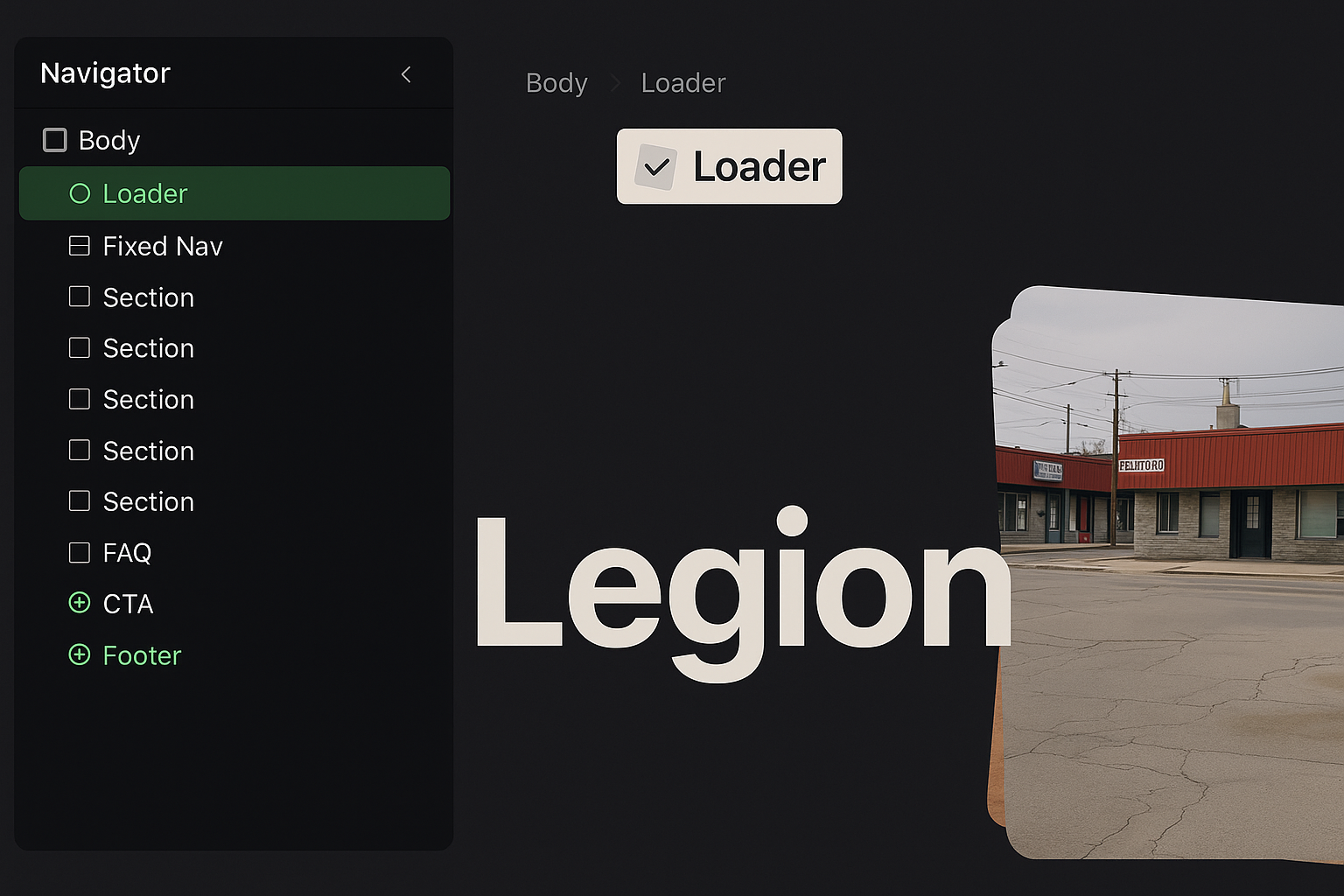
How it works
- The Loading Bar runs first when the page loads.
- Once the loading completes, 5 Curtain divs (
Curtains White) animate upwards to uncover the main content.
Editing the Loader
- To change the Loader design, open the Navigator panel and look for:
Loading Holder→ contains the Loading Bar.- You can adjust its size, colors, or even replace it with your own logo/text if you want a more branded experience.
Editing the Curtains
- In the Navigator panel, locate the Curtains folder.
- Inside, you’ll find 5 “Curtains White” divs.
- You can:
- Change the color of the curtains (e.g., brand color instead of white).
- Add a logo, text, or image inside one of the curtains if you want a branded intro.
- Adjust the animation timing in the Interactions panel if you want them to move faster or slower.
Removing the Loader
- If you don’t want the loader at all:
- Delete the entire Loader (Curtains + Loading Holder) structure from the Navigator.
- The site will then display immediately without animations.